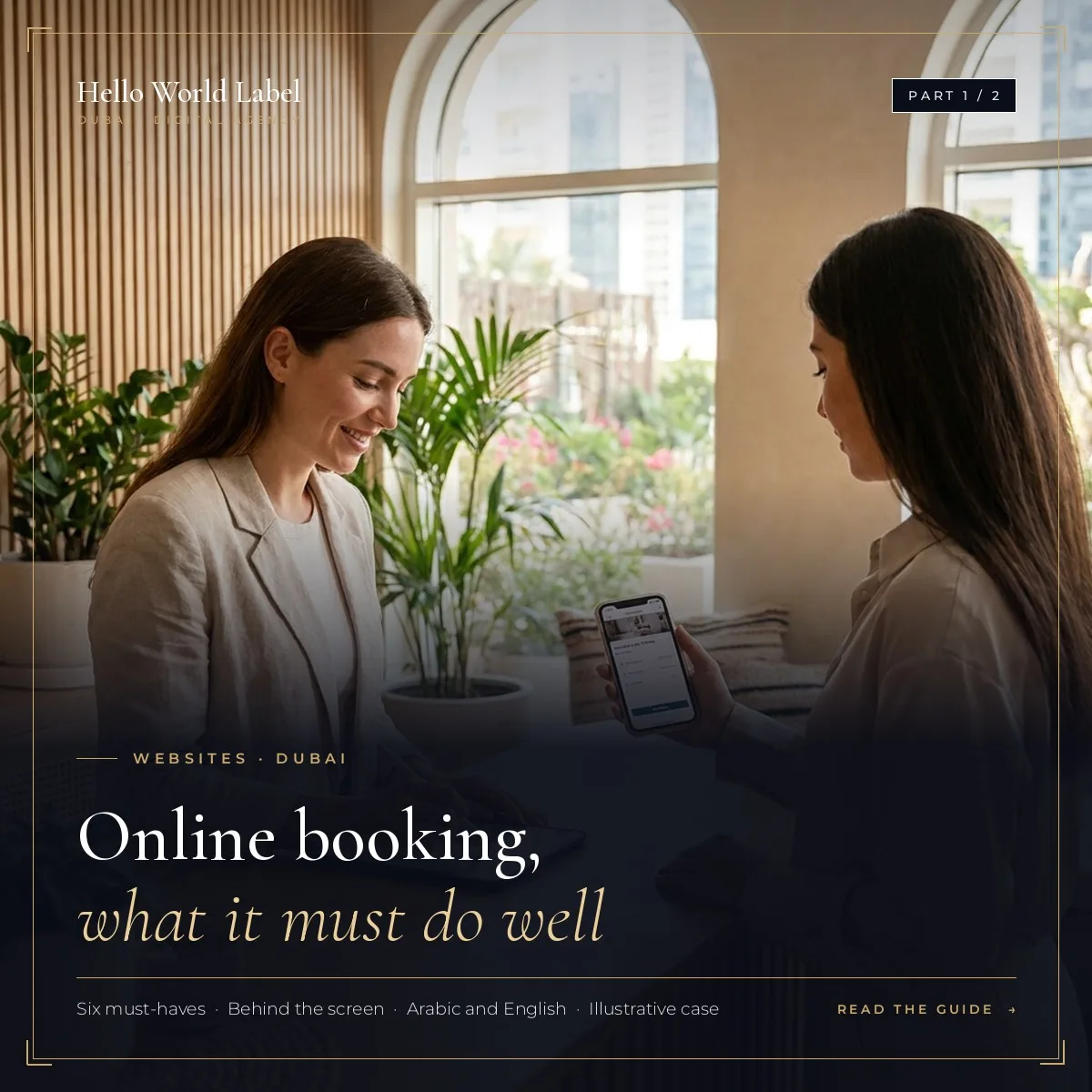




















































In Part 1 we saw what a booking journey must do well. This second part explains how to build a website with online booking in Dubai: start from your process, choose the right level of tool, test like a customer and know when a professional team is worth it.
The goal stays the same: more confirmed bookings, fewer no-shows and less time spent on scheduling.
Start from your process, not from a tool
Write down how a booking works today, before looking at any software:
- Who confirms a booking, and how fast?
- How long does a slot last, and is there a break between two clients?
- What happens on cancellation or late arrival?
- What information do you need before the visit?
Then choose the simplest system that supports this process. Make the cancellation policy and the use of personal data clear before the visitor confirms: these small details prevent disputes and build trust.
Ready-made plugin or custom booking system?
| Your situation | Usually enough |
|---|---|
| One location, a few services, one calendar | A ready-made booking plugin, well set up |
| Several locations or staff schedules | A booking system that manages resources and people |
| Packages, memberships or limited seats | A custom booking flow with capacity rules |
| Payments or deposits | A flow connected to a secure online payment |
Consider a second case: a small training company that sells seats in workshops with limited capacity. The calendar must stop selling when a session is full, collect a deposit and send joining details automatically. A simple form would create manual work and mistakes. (Illustrative example, not a real client.)
Test your website with online booking before launch
- Book from a phone on mobile data, in Arabic and in English
- Try to book a slot that is already taken
- Cancel, change and re-book
- Check that the confirmation arrives within seconds, by email and WhatsApp
- Check that the reminder is sent at the right time
- Confirm that the team sees every booking in one place
After launch: read the numbers
Look at how many people open the booking page, how many finish and where they stop. A small change, such as removing a field or reordering the steps, can lift bookings, and it costs far less than buying more traffic.
When to bring in a professional team
- Bookings are your main source of revenue
- Several people or locations share one calendar
- Payments or deposits are involved
- You want to drive traffic to the booking page with ads
The booking system, the site design, the tracking and the campaigns need to work together, otherwise you pay for visitors who cannot easily book. Hello World Label builds the website and the booking journey, then connects tracking and campaigns so you can see which channel brings confirmed bookings.
Summary
| Point | What to remember |
|---|---|
| Process first | A booking button is not a booking system: plan the whole journey |
| Simple flow | Few steps, instant confirmation, automatic reminders |
| Testing | On mobile, in both languages, before launch |
| Help | Get a team when bookings drive revenue or payments are involved |
FAQ
Is a booking plugin enough for a small business?
Often, yes, for one location and a few services. Check that it handles your languages, confirmations and reminders properly before you commit.
When is a custom booking system worth it?
When you manage several locations, staff schedules, packages, memberships, limited seats or payments.
How do I know if my booking page works?
Track how many people open it, how many finish and where they stop, then fix the step where most people leave.
Can online booking work with WhatsApp?
Yes. Confirmations and reminders can go out by WhatsApp, and a WhatsApp button can stay on the page for questions.
What should I tell visitors before they confirm?
Your cancellation policy and how you will use their name and phone number. Clear rules reduce disputes and build trust.